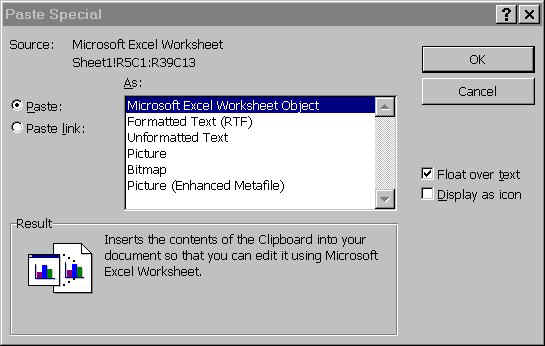
 To paste periodicity tables (or Tennant table):
To paste periodicity tables (or Tennant table):
In Excel, View, Page Break View, copy one page at a time, go to Reservation word document, Edit, Paste Special, Microsoft Excel Worksheet Object, make sure it’s within margins and if not shrink. (at right). Don’t click "Paste Link".
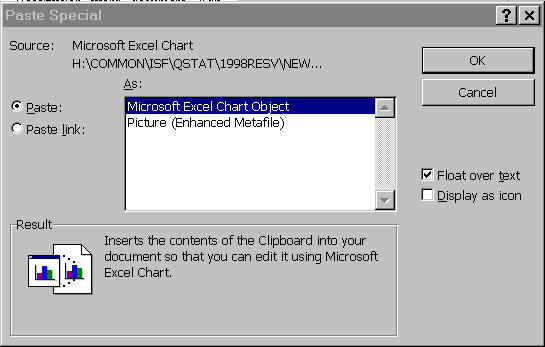 To paste charts and graphs from Tennant analysis:
In Excel, select and copy chart, go to Reservation document, Edit, Paste Special, Picture (Enhanced Metafile). Don’t select "Paste Link".
Return to ISF Tutorial Appendix Table of Contents
Return to ArcView Tutorial 4: List of Topics
Return to Main Menu